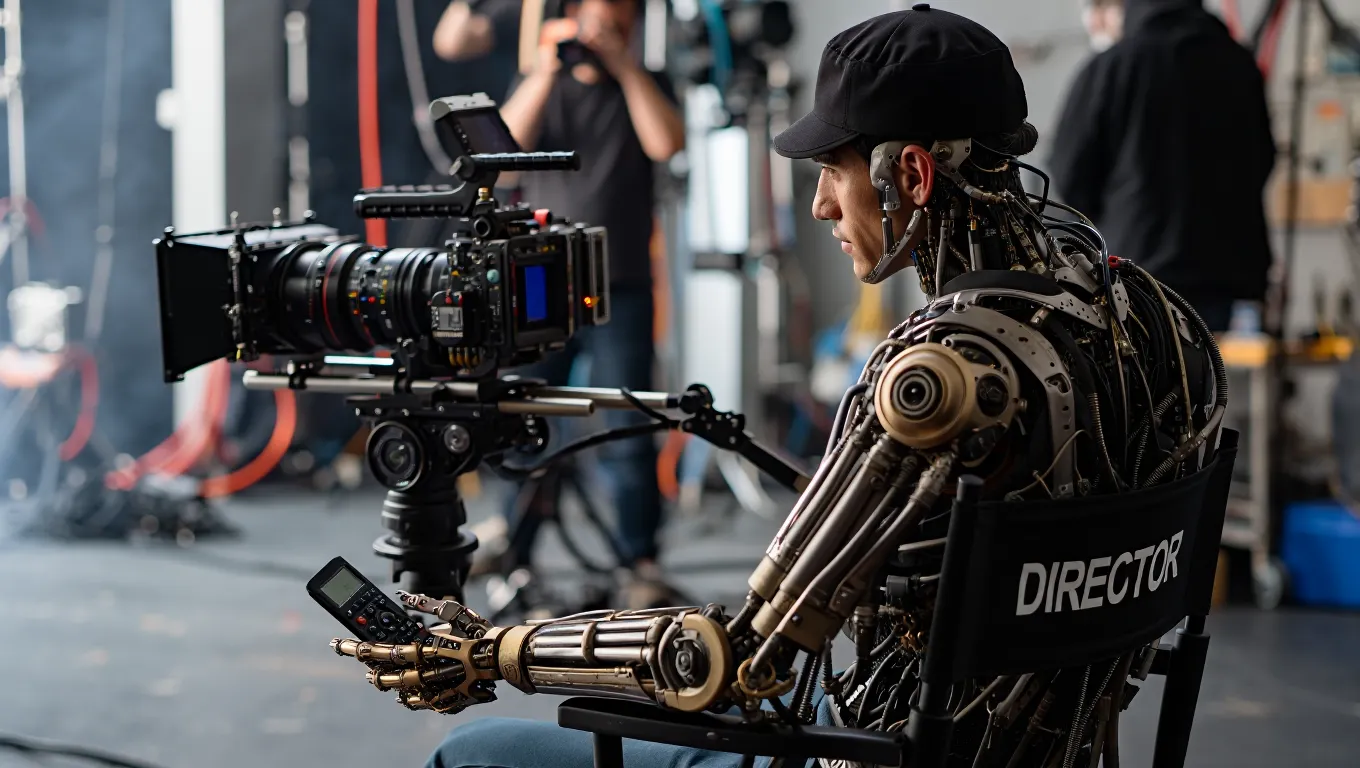
Video has become one of the most powerful forms of digital communication for businesses. Whether it’s marketing campaigns, employee training, product demonstrations, social media content, or customer support tutorials, video consistently generates higher engagement than text or static images. However, traditional video production often requires expensive equipment, professional editing skills, voice actors, and significant time.
Artificial intelligence (AI) is transforming video creation by enabling businesses to produce professional-quality videos in minutes rather than days. AI video generators can automatically create scripts, generate realistic avatars, produce voiceovers in multiple languages, edit footage, add subtitles, create animations, and even convert text into complete videos with minimal human intervention.
From startups and e-commerce stores to marketing agencies and multinational corporations, businesses are increasingly adopting AI video tools to reduce production costs, scale content creation, and reach audiences across multiple platforms.
This guide compares the best AI video generators for businesses in 2026, highlighting their features, strengths, ideal use cases, and tips for selecting the right solution.
Why Businesses Are Using AI Video Generators
Video production has traditionally been expensive and time-consuming. Creating a professional marketing video often required:
- Script writing
- Hiring presenters
- Camera equipment
- Studio lighting
- Video editing
- Motion graphics
- Voice recording
- Subtitle creation
AI dramatically simplifies this process by automating many of these tasks.
Businesses use AI video generators to:
- Produce marketing videos faster
- Reduce production costs
- Create multilingual content
- Improve social media engagement
- Train employees
- Explain products and services
- Scale content marketing
- Personalize customer communications
As AI technology improves, businesses can create more content without proportionally increasing production budgets.
Key Features to Look For
Before selecting an AI video platform, it’s important to evaluate the features that matter most for your business.
Text-to-Video Generation
Modern AI tools can transform written scripts into fully produced videos complete with visuals, narration, transitions, and music.
AI Avatars
Many platforms offer realistic virtual presenters that deliver scripts naturally without requiring on-camera talent.
This is particularly useful for training, education, and corporate communications.
AI Voiceovers
Businesses can generate natural-sounding voice narration in dozens of languages and accents.
This makes it easier to localize content for international audiences.
Automatic Subtitles
AI-generated captions improve accessibility and increase engagement, particularly on social media where many users watch videos without sound.
Video Templates
Ready-made templates accelerate production for:
- Product launches
- Sales presentations
- Social media ads
- Employee onboarding
- Explainer videos
- Customer testimonials
1. Synthesia
Synthesia is one of the leading AI video generation platforms for businesses.
It enables users to create professional videos featuring realistic AI presenters without cameras or microphones.
Key features include:
- AI avatars
- Text-to-video creation
- Multilingual voiceovers
- Corporate branding
- Screen recording integration
- Team collaboration
Best For
- Corporate training
- Internal communications
- Educational content
- Product demonstrations
Pros
- High-quality AI avatars
- Extensive language support
- Easy-to-use interface
- Professional output
Cons
- Avatar customization options may be limited compared to traditional video production.
2. Runway
Runway combines AI video generation with powerful editing capabilities.
Its features include:
- AI video editing
- Background removal
- Motion tracking
- Text-to-video generation
- Image-to-video creation
- Visual effects
Creative professionals use Runway to accelerate complex editing workflows.
Best For
- Marketing agencies
- Creative teams
- Video editors
Pros
- Advanced AI editing
- Innovative creative tools
- Frequent feature updates
Cons
- Some advanced features require a learning curve.
3. Pictory
Pictory specializes in converting written content into engaging videos.
Its AI can automatically transform:
- Blog posts
- Articles
- Scripts
- Webinars
- Podcasts
into short videos optimized for social media and marketing.
Best For
- Content marketers
- Bloggers
- YouTube creators
- Digital publishers
Pros
- Fast text-to-video workflow
- Automatic captions
- Large media library
Cons
- Less suitable for highly customized productions.
4. InVideo AI
InVideo AI simplifies video creation by generating complete videos from simple prompts.
Its AI assists with:
- Script generation
- Stock footage selection
- Voiceovers
- Music selection
- Video editing
- Branding
Businesses can create promotional videos in just a few minutes.
Best For
- Small businesses
- Marketing teams
- Social media creators
Pros
- Beginner-friendly
- Large template library
- Affordable pricing
Cons
- Advanced editing remains more limited than professional software.
5. VEED AI
VEED combines AI-powered editing with online collaboration.
Its capabilities include:
- Automatic subtitles
- AI voice cloning
- Screen recording
- Video translation
- Noise removal
- AI script generation
It is particularly popular among content creators and remote teams.
Best For
- Online education
- Social media
- Business presentations
Pros
- Easy browser-based editing
- Excellent subtitle generation
- Fast collaboration
Cons
- Enterprise workflows may require additional integrations.
6. HeyGen
HeyGen focuses on creating realistic AI presenter videos for business communication.
Its platform offers:
- AI avatars
- Voice cloning
- Video translation
- Personalized video messages
- Lip-sync technology
- Multilingual support
Businesses use HeyGen for sales outreach, onboarding, and customer education.
Best For
- Sales teams
- HR departments
- Global businesses
Pros
- High-quality avatar technology
- Excellent localization
- User-friendly interface
Cons
- Premium features require higher-tier subscriptions.
7. Lumen5
Lumen5 helps businesses transform blog content into engaging marketing videos.
Its AI automatically:
- Summarizes articles
- Selects visuals
- Adds animations
- Generates subtitles
- Formats videos for social media
This allows content marketers to repurpose written content efficiently.
Best For
- Content marketing
- Corporate communications
- Publishers
Pros
- Excellent for content repurposing
- Intuitive editor
- Fast production
Cons
- Limited advanced animation options.
Benefits of AI Video Generators
Lower Production Costs
Businesses no longer need expensive filming equipment or large production teams for many types of videos.
Faster Content Creation
Videos that previously required days of production can often be completed within hours—or even minutes.
Improved Scalability
Marketing teams can produce significantly more video content across multiple campaigns without increasing staff.
Multilingual Content
AI translation and voice synthesis enable businesses to reach global audiences more efficiently.
Greater Consistency
AI templates help maintain consistent branding, messaging, and visual identity across all business videos.
Business Use Cases
AI video generators support a wide variety of business applications.
Marketing
- Product launches
- Promotional campaigns
- Social media ads
- Brand storytelling
Sales
- Personalized prospecting videos
- Product demonstrations
- Customer presentations
- Follow-up messages
Human Resources
- Employee onboarding
- Training materials
- Recruitment videos
- Internal communications
Customer Support
- FAQ videos
- Troubleshooting guides
- Software tutorials
- Knowledge base content
Education
- Online courses
- Instructional videos
- Professional certification programs
- Corporate learning
Challenges and Limitations
Although AI video generation has advanced significantly, businesses should consider its current limitations.
Creative Control
Highly cinematic productions still benefit from professional filmmakers and editors.
Avatar Realism
While AI presenters continue to improve, some viewers may still recognize subtle differences compared to human presenters.
Content Accuracy
AI-generated scripts should always be reviewed to ensure factual accuracy and alignment with brand messaging.
Copyright Considerations
Businesses should verify licensing for stock media, music, and AI-generated assets used in commercial productions.
Best Practices for Using AI Video Tools
To maximize results:
- Define clear objectives before creating videos.
- Use concise, engaging scripts.
- Customize branding elements such as logos, colors, and fonts.
- Review AI-generated narration before publishing.
- Add human editing for important customer-facing videos.
- Optimize videos for each platform’s preferred format.
- Include subtitles to improve accessibility and engagement.
- Track performance metrics to refine future content.
Combining AI automation with human creativity produces the strongest results.
The Future of AI Video Generation
AI video technology continues to evolve rapidly.
Future innovations are expected to include:
- Real-time video generation
- Fully interactive AI presenters
- Personalized customer videos at scale
- Hyper-realistic digital humans
- AI-generated 3D animations
- Automatic multilingual dubbing with realistic lip synchronization
- AI-directed video editing
- End-to-end video production from a single text prompt
As these technologies mature, businesses will be able to create increasingly sophisticated video content with minimal technical expertise.
Choosing the Right AI Video Generator
The best platform depends on your business needs.
- Synthesia excels in corporate training and AI avatars.
- Runway is ideal for advanced AI video editing and creative production.
- Pictory is perfect for transforming articles into videos.
- InVideo AI offers an accessible solution for marketing and social media.
- VEED AI combines editing, subtitles, and collaboration.
- HeyGen specializes in realistic AI presenters and multilingual communication.
- Lumen5 is an excellent choice for repurposing written content into engaging videos.
Many businesses combine multiple platforms to streamline different stages of their video production workflow.
AI video generators are revolutionizing business communication by making professional video production faster, more affordable, and more scalable than ever before. From marketing campaigns and employee training to customer support and social media content, AI enables organizations to create engaging videos without the traditional costs and complexity of video production.
Platforms such as Synthesia, Runway, Pictory, InVideo AI, VEED AI, HeyGen, and Lumen5 each offer unique strengths tailored to different business needs. Choosing the right solution depends on factors such as content type, team size, budget, language requirements, and creative goals.
While AI cannot fully replace human creativity and strategic storytelling, it has become an indispensable tool for modern businesses seeking to increase efficiency and expand their content marketing efforts. Organizations that combine AI-powered automation with thoughtful planning and quality control will be well positioned to produce impactful video content and stay competitive in the rapidly evolving digital landscape.